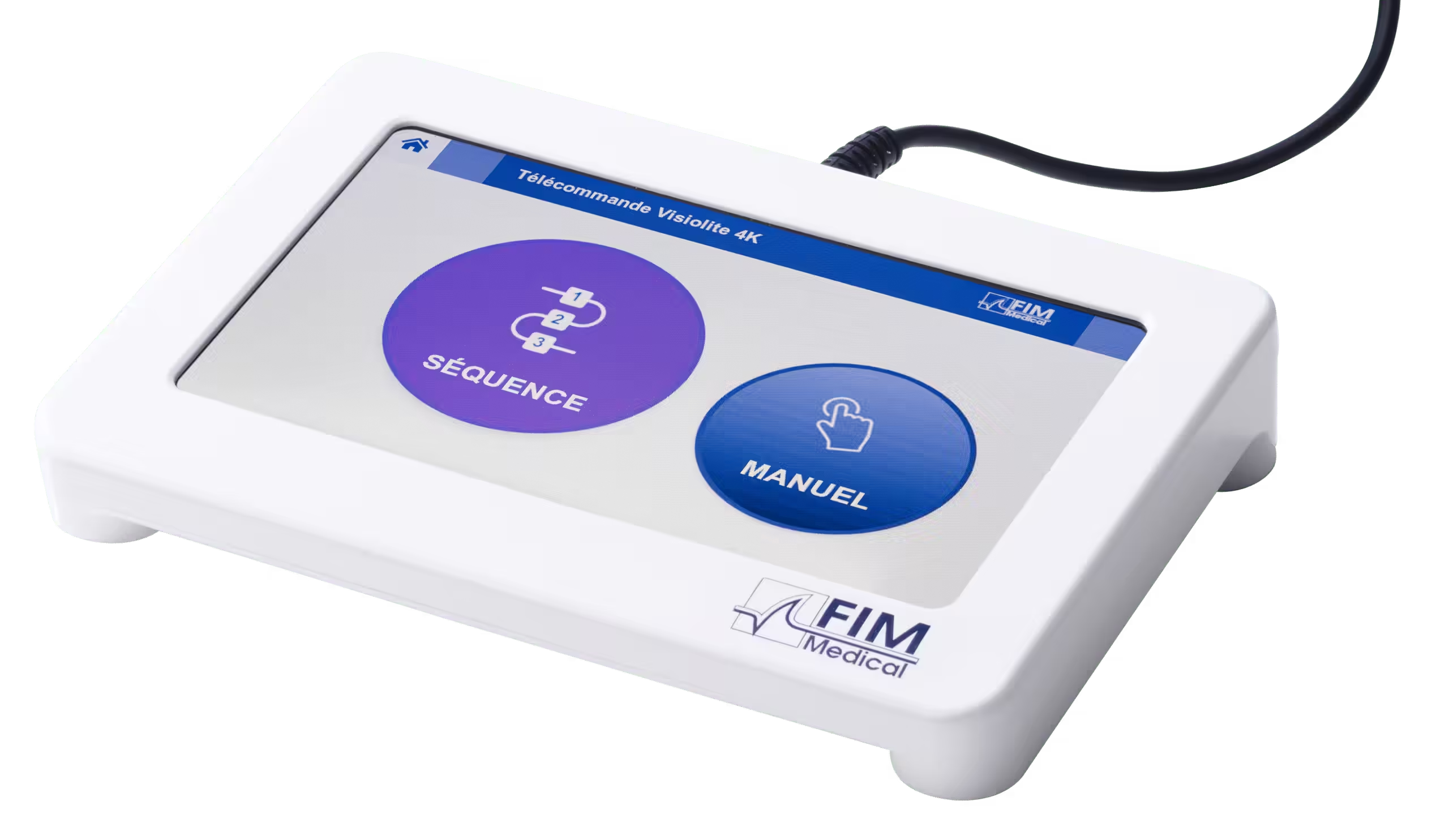
Touchscreen
remote control

Visiolite® Flex

Drive the Visiolite® Flex without a computer or tablet.

A 7-inch touchscreen, two modes
— manual or sequence
— and the instructions to give the patient
shown on screen: the remote control makes
vision screening mobile and immediate.
Find out moreRequest a quote

Touchscreen remote control
at a glance

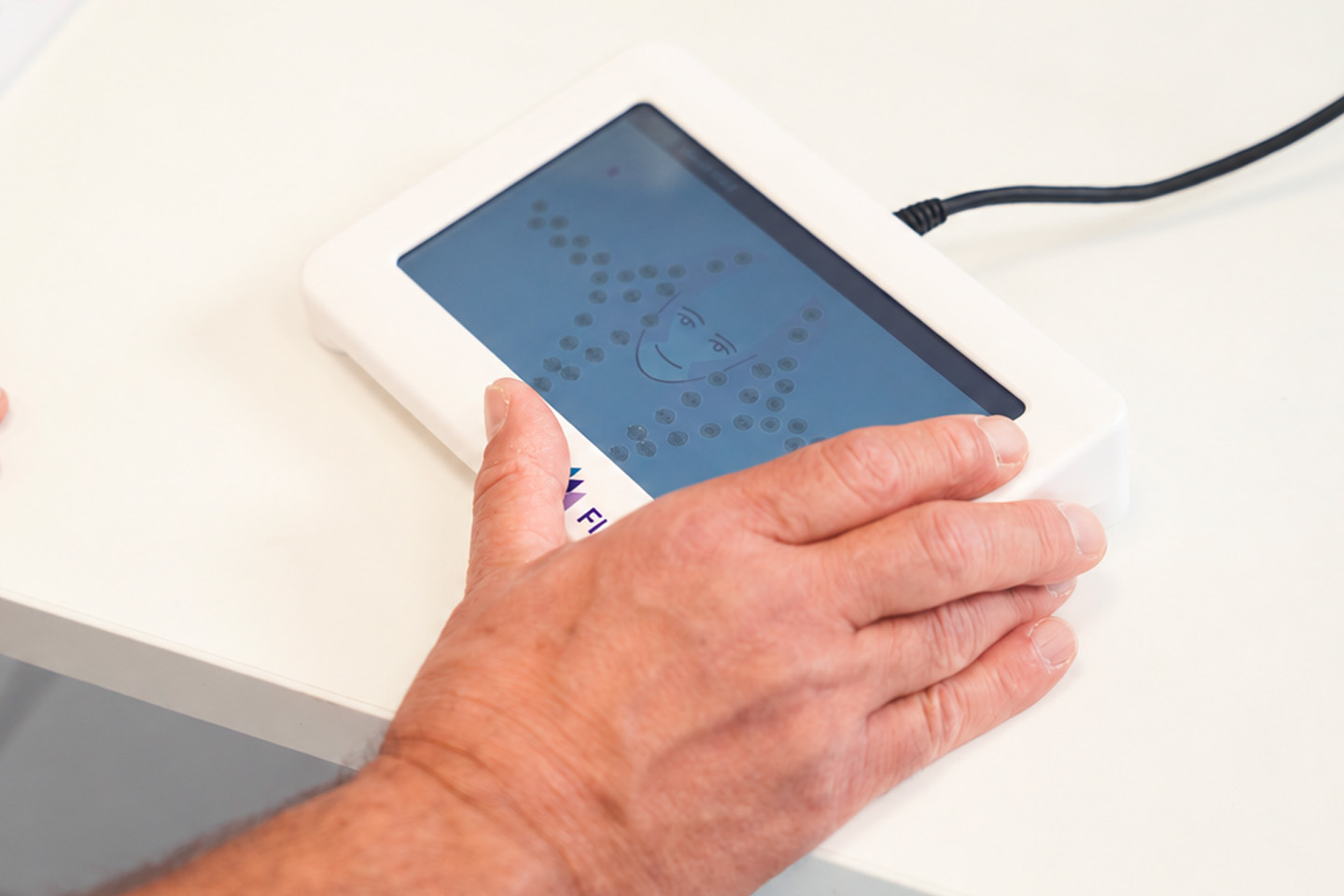
7-inch colour touchscreen for user-friendly, time-saving operation.

Intuitive interface: launch a test (manual mode) or a test sequence (sequence mode) with a single tap.

Instructions to give the patient displayed on every test page, with the current conditions (eye, distance, luminance, optotype).

Forehead detection can be enabled: charts are displayed only when the patient is correctly positioned.

Interface language and acuity unit of your choice: LogMAR, decimal, decimal × 10, Snellen 20 ft or 6 m.

Customisable test sequences.

Random acuity tests to prevent memorisation.

No computer?
The touchscreen remote control is made for you.

Work without a PC or database: the remote control runs its own embedded software.

Stay mobile: ideal for on-site screening or practices without a workstation.

Launch a test in one tap from the home screen.

Ready as soon as you switch on: connected by USB to the Visiolite® Flex, it powers on and off with the device.

Three steps to an examination

1

Plug in

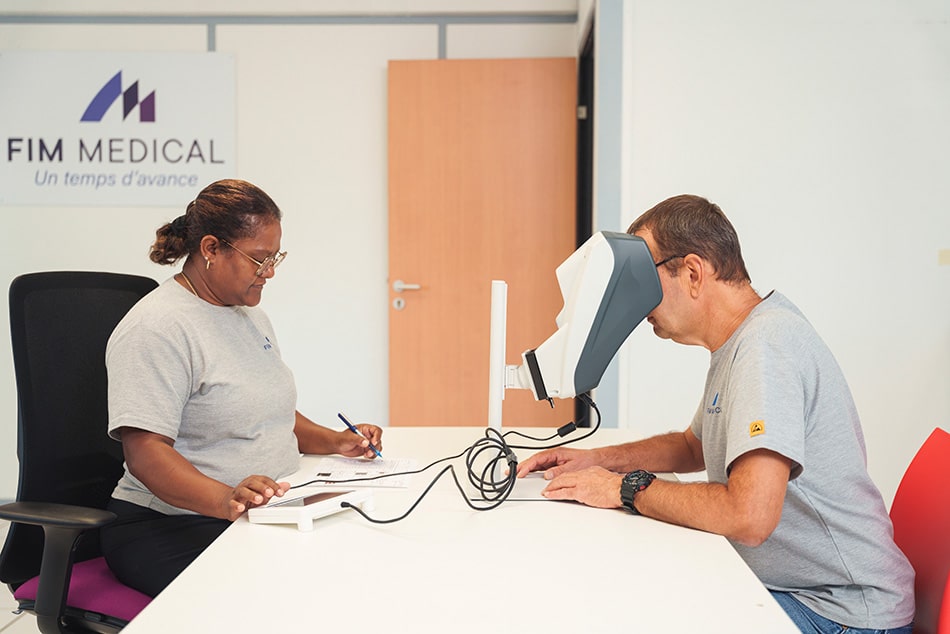
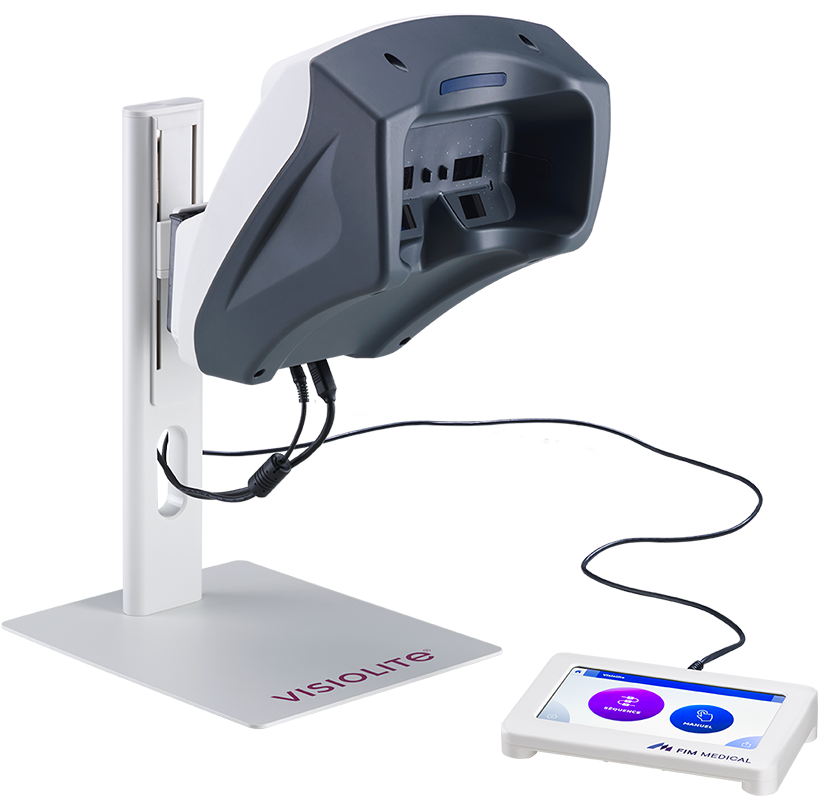
Connect the remote control to the Visiolite® Flex with the supplied USB Type-B cable and switch the device on: the remote starts automatically.
2

Choose

Manual mode to select a test and its conditions (eye, distance, luminance), or Sequence mode to run a pre-recorded test sequence.
3

Record

Read the instruction shown on screen and write the patient’s answer on the answer sheet (printable PDF).

No computer: the operator drives, the patient answers, results are written on the answer sheet.

Which tests with the remote control?

The remote control drives the essentials of vision screening. A few advanced tests remain reserved for the computerised version with VisioWin®.

✓ Available with the remote control

Visual acuity Contrast sensitivity Astigmatism Peripheral visual field Duochrome Phorias Fusion Amsler grid Colour perception Hyperopia Mesopic vision

In manual or sequence mode, for each eye and each distance available on your Visiolite® Flex.

Computerised version (VisioWin®) only

Central visual field Glare resistance Glare sensitivity Ishihara Beyne lantern Kölbl shades of grey

These tests require computer control. You can add a computer and VisioWin® to your Visiolite® Flex at any time.

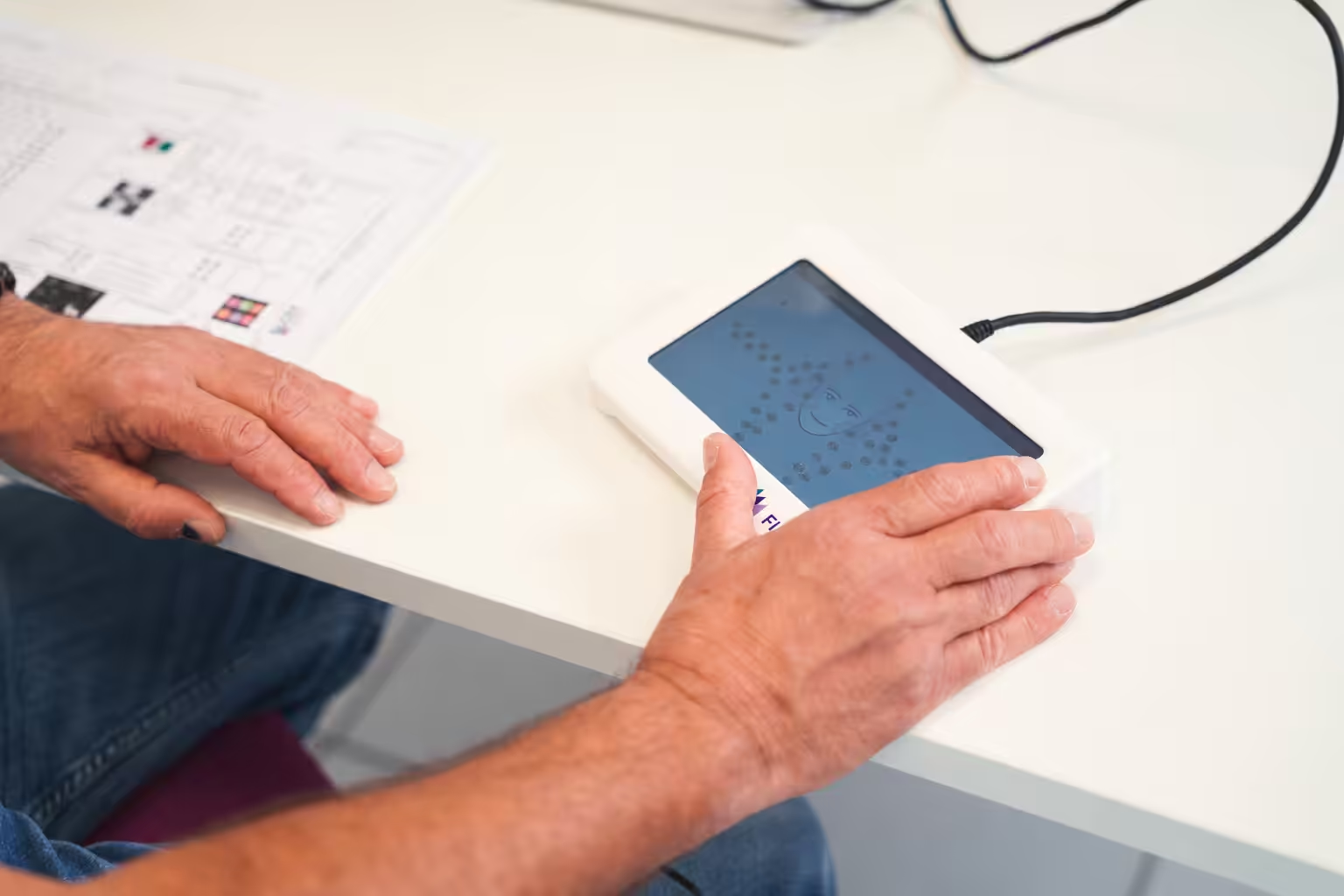
The peripheral visual field, diode by diode. The screen reproduces the position and angle of each diode: tap a circle to light the corresponding diode, then note whether the patient saw the light.

Indicative list according to user manual FF1165 V01.00.00; refer to the current manual.
The vision screener

Discover the Visiolite® Flex

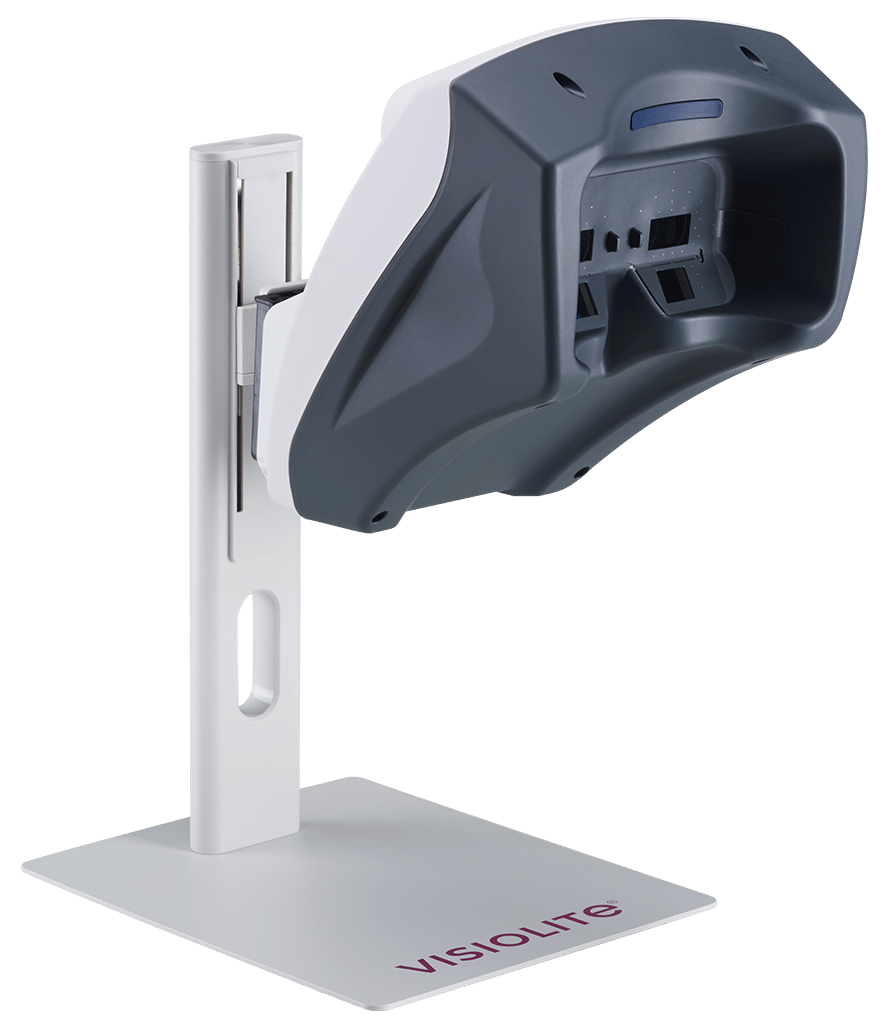
Modular and highly customisable, the Visiolite® Flex provides comprehensive screening for the main visual disorders in just a few minutes — with or without a computer.

Find out more

Using a Visiolite® 4K? The Visiolite® 4K touchscreen remote control remains available for your device. Contact us, stating your model.

Focus on features

  • 7″ capacitive touchscreen (1024 × 600)
  • USB Type-B connection to the Visiolite® Flex
  • Powered by the Visiolite® Flex — no charger or battery
  • Switches on and off automatically with the device
  • Two modes: Manual (all available tests) and Sequence
  • Patient instruction and test conditions shown on screen
  • Forehead detection can be enabled or disabled
  • Acuity unit: LogMAR, decimal, decimal × 10, Snellen 20 ft or 6 m
  • Multilingual interface
  • Answer sheet in PDF format
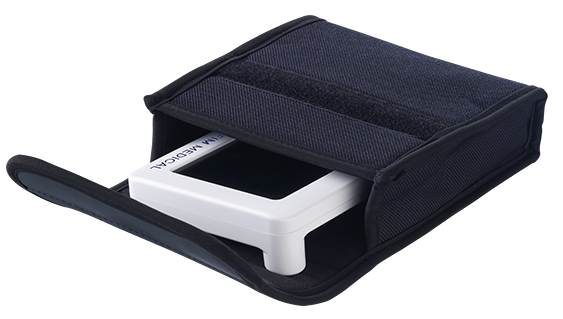
  • Compact format, optional protective cover
  • Optional accessory for the Visiolite® Flex
The touchscreen remote control is a component of the Visiolite® Flex, a Class I medical device in accordance with European Regulation 2017/745. Read the user manual carefully before use.

Accessory

Protective cover for the remote control

Buy

Still unclear?

Check our

FAQ